Minecraft tools hub
Minecraft Tools, Resource Pack Generator and Wiki
Cube in Square is both a mod-free Minecraft roleplay server and a browser-first toolkit for the workflows that keep that kind of server alive. The site brings together a resource pack generator, a skin editor, a texture painter, villager trade and potion builders, plus long-form guides for CustomModelData and the newer Minecraft 1.21.4 component system.
That matters because newer Minecraft versions changed the rules. Old tutorials often stop at thin snippets, assume outdated NBT habits, or skip the boring structure work that actually breaks first on a live server. This site is meant to do the opposite: give you practical tools, explain the file layout, and keep the no-mod workflow readable enough that you can ship packs, props, currencies, quests, and RP items without burning an evening on trial and error.
Resource packs
CustomModelData
Skin editing
Texture painting
Villager trades
Custom potions
Built from real server experience
If you are building props, currencies, quest items, readable textures, or player-facing server content, this section is here to shorten the distance between an idea and a working result. The tools grew out of a live RP server, so they are tuned for the repetitive, awkward jobs creators actually run into when something has to work in play rather than only look good in a mockup.
15Live browser tools
4Languages for every tool
WikiPractical guides for Minecraft 1.21+
Quick access
If you already know what you need, jump straight into the builder, the editor, or the guide. If you are still orienting yourself, the sections below explain what each part of the site is for and how the pieces fit together.
Minecraft Resource Pack Generator
Build a ZIP pack with items, blocks, armor, CustomModelData, folder structure, and preview tools. It is the fastest route from a PNG and a model idea to a pack you can test in game.
Open generator
Skin and texture editors
Paint Minecraft skins and texture PNGs directly in the browser. The editors exist because making assets and wiring them into a pack should feel like one continuous workflow rather than three disconnected apps.
Wiki and guides
Read practical articles on CustomModelData, pack structure, newer component-based item systems, and the kinds of mistakes that show up when a server migrates to modern Minecraft versions.
Read wiki
Project and support
See what Cube in Square is, why the site exists, how to reach the project through Discord, where to support new tools and guides on Patreon, and which public mod releases already live on Modrinth.
Why this site matters more in Minecraft 1.21.4+
The recent item-system changes in Minecraft did not just rename a few keys. They changed the way creators think about items, commands, and models. A lot of old advice still points people toward habits that no longer match the modern file structure or the newer component syntax.
Old habits break quietly
A lot of creators still expect old models/item overrides, simple numeric CustomModelData logic, and NBT-flavored commands to carry them. On newer versions, those habits do not always explode immediately; they just become harder to reason about, harder to debug, and easier to break when a server grows.
Tools need context, not only buttons
A builder becomes truly helpful when it also explains what you are assembling, what might break, and how one step connects to the next. The guides are here so you do not have to guess folder structure, version syntax, or migration edge cases while you are already in the middle of making something.
Server workflows are interconnected
A custom item is rarely just a texture. It is also naming, commands, pack structure, models, testing, and the social logic around how players earn and read that item in play. The point of the site is to keep those layers connected instead of scattering them across half a dozen tabs and old forum posts.
What you can actually build here
Custom items and props
Create item textures, write model files, generate pack structure, and test CustomModelData workflows for RP props, quest objects, signed papers, access passes, tools, weapons, and diegetic UI pieces.
- Paint the source PNG
- Generate the pack folder structure
- Pair the asset with a model or command workflow
Readable server economies
Use custom villager trades and pack-backed item visuals to make currencies, contracts, tokens, and profession-specific rewards feel intentional instead of like random vanilla stand-ins.
- Build summon commands for traders
- Attach custom names and model data
- Test rewards before shipping them live
Potions and progression hooks
Build potion commands with custom contents, colors, lore, and effect stacks. This is especially useful for ritual items, class abilities, temporary buffs, or quest rewards that need more texture than a plain command list.
- Create potion payloads in the browser
- Compare syntax across versions
- Pair the command with a pack-backed icon or prop
Skins, icons, and block faces
Use the drawing tools for both polished and rough work: a finished player skin, a test icon for a quest item, or a quick block texture that you later push into the resource-pack generator.
- Draw on the skin atlas and 3D model together
- Paint texture PNGs at 16x16 through 128x128
- Export directly into a pack workflow
A practical workflow from idea to in-game item
One reason the site exists is that RP server work usually collapses when each step lives in a different mental universe. Here the path is meant to stay coherent, even if you only need one part of it on a given day.
1. Draw or adapt the asset
Start with a PNG in the texture painter, or with a finished source texture from your own workflow. If the visual is wearable or identity-based, the skin editor gives you a separate path for player-facing assets.
2. Turn it into a pack-ready structure
Move into the resource pack generator, place the texture into the right folder layout, generate the JSON and ZIP structure, and check whether the visual actually lands where Minecraft expects it.
3. Attach gameplay logic
Then add the command layer: villager trades, custom potion payloads, or the documented CustomModelData workflow. This is the step that turns a texture from decoration into something players can actually encounter, earn, trade, or use.
Guides worth starting with
The wiki is meant to be a working library, not a filler page. Start with the articles that answer the questions people actually hit first: what CustomModelData is, how pack folders are structured, and how to use each tool without guessing.
What CustomModelData really changes
Learn why one vanilla item can become many in-game identities and where that logic lives in the pack.
Open article
How to use the resource pack generator
A step-by-step guide for turning textures and model ideas into an exportable ZIP pack without losing the folder structure on the way.
Read guide
How to paint Minecraft skins
Use the atlas and the 3D model together, switch between wide and slim arms, and keep hidden sides from turning into guesswork.
Skin editor guide
How to draw useful texture PNGs
Understand canvas sizes, icon readability, block-face logic, and how to move from a flat PNG to a usable texture inside a resource pack.
Texture painter guide
Build custom potions that mean something
Use potion contents, lore, color, and effect combinations for class systems, rituals, rewards, or RP consumables.
Potion article
Design villager trades with intent
Generate summon commands, understand syntax differences, and avoid the usual command-length traps when a trader becomes too complex for chat.
Trade article
A real Minecraft project sits behind the site
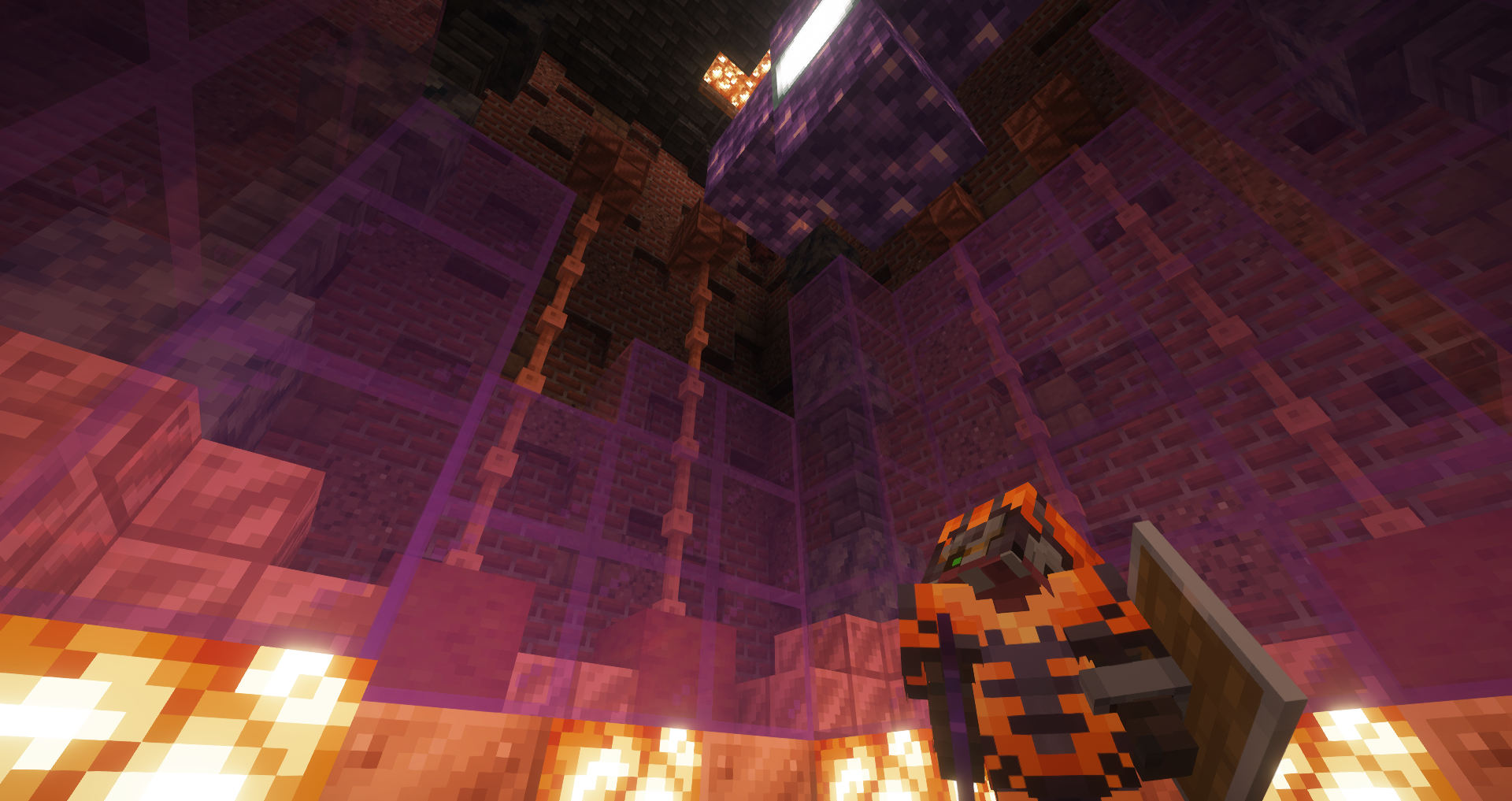
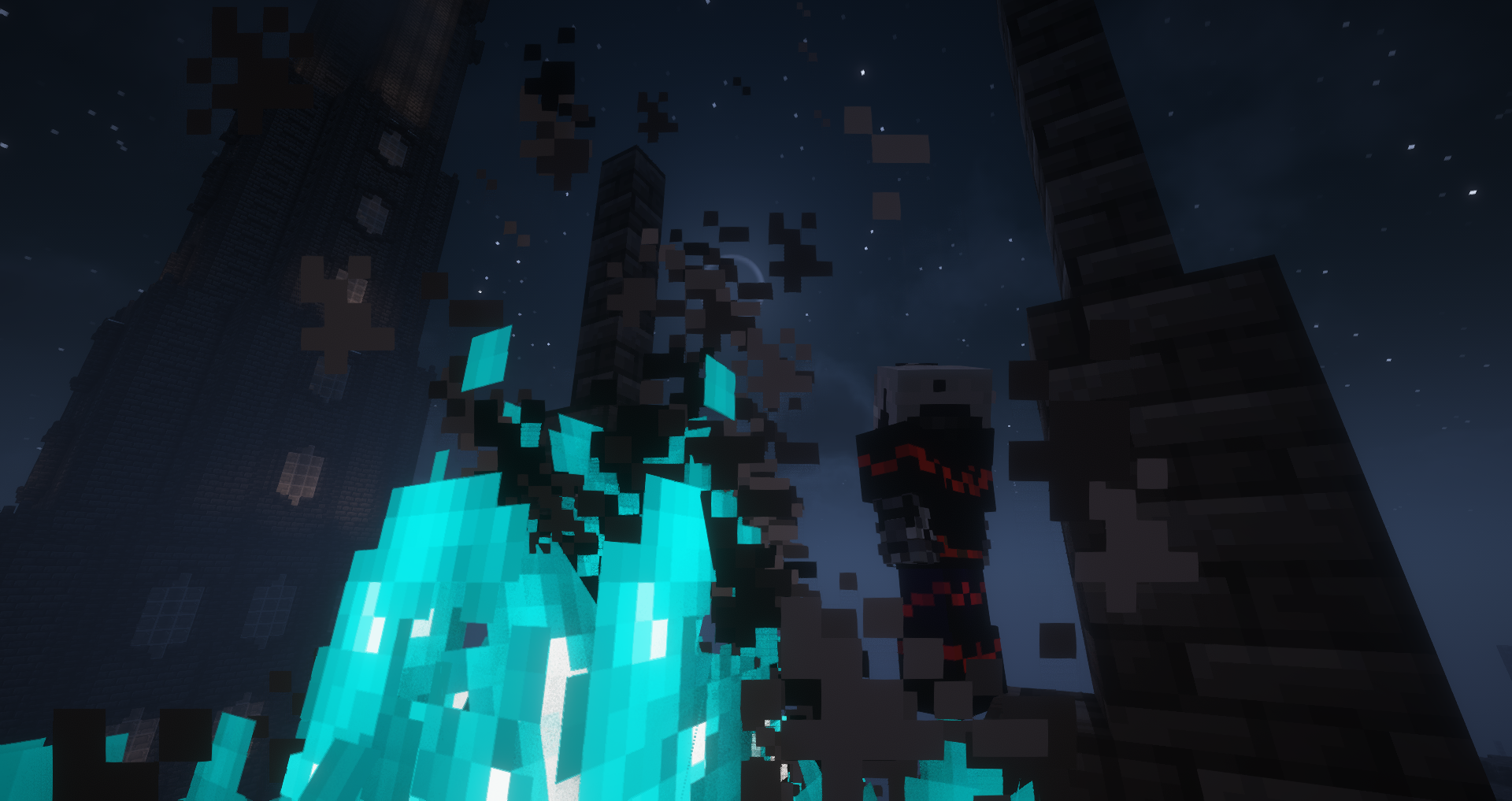
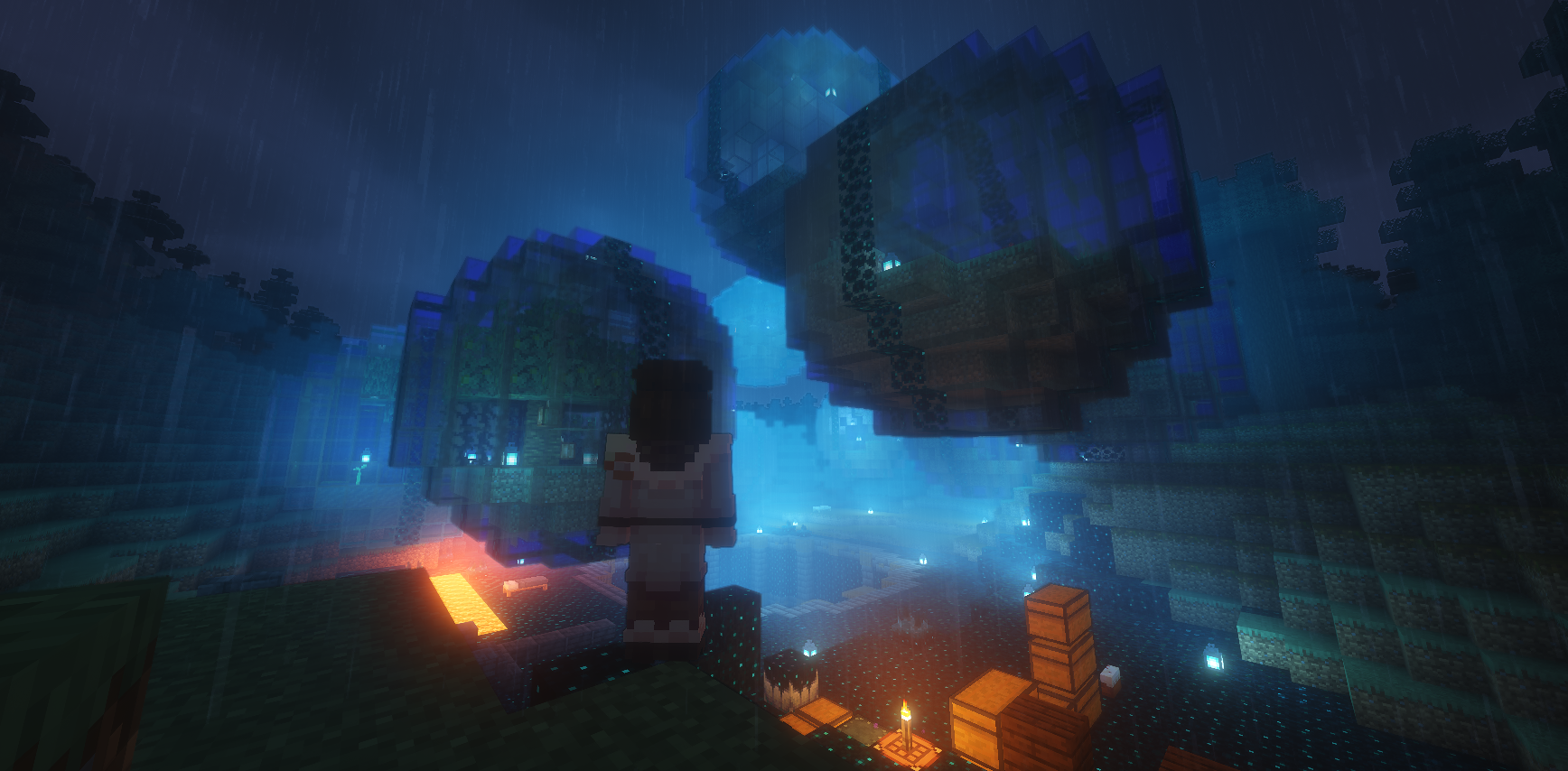
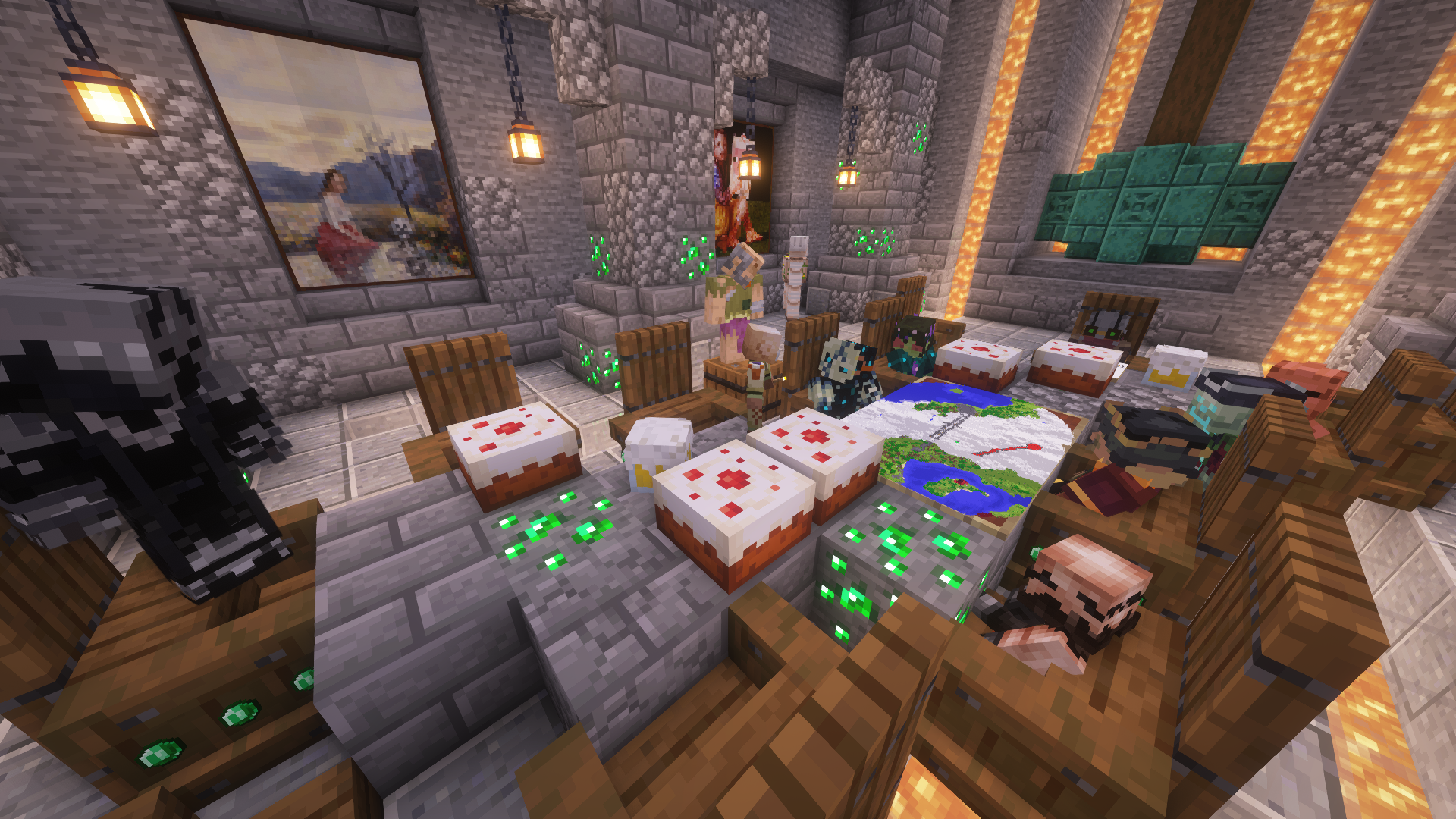
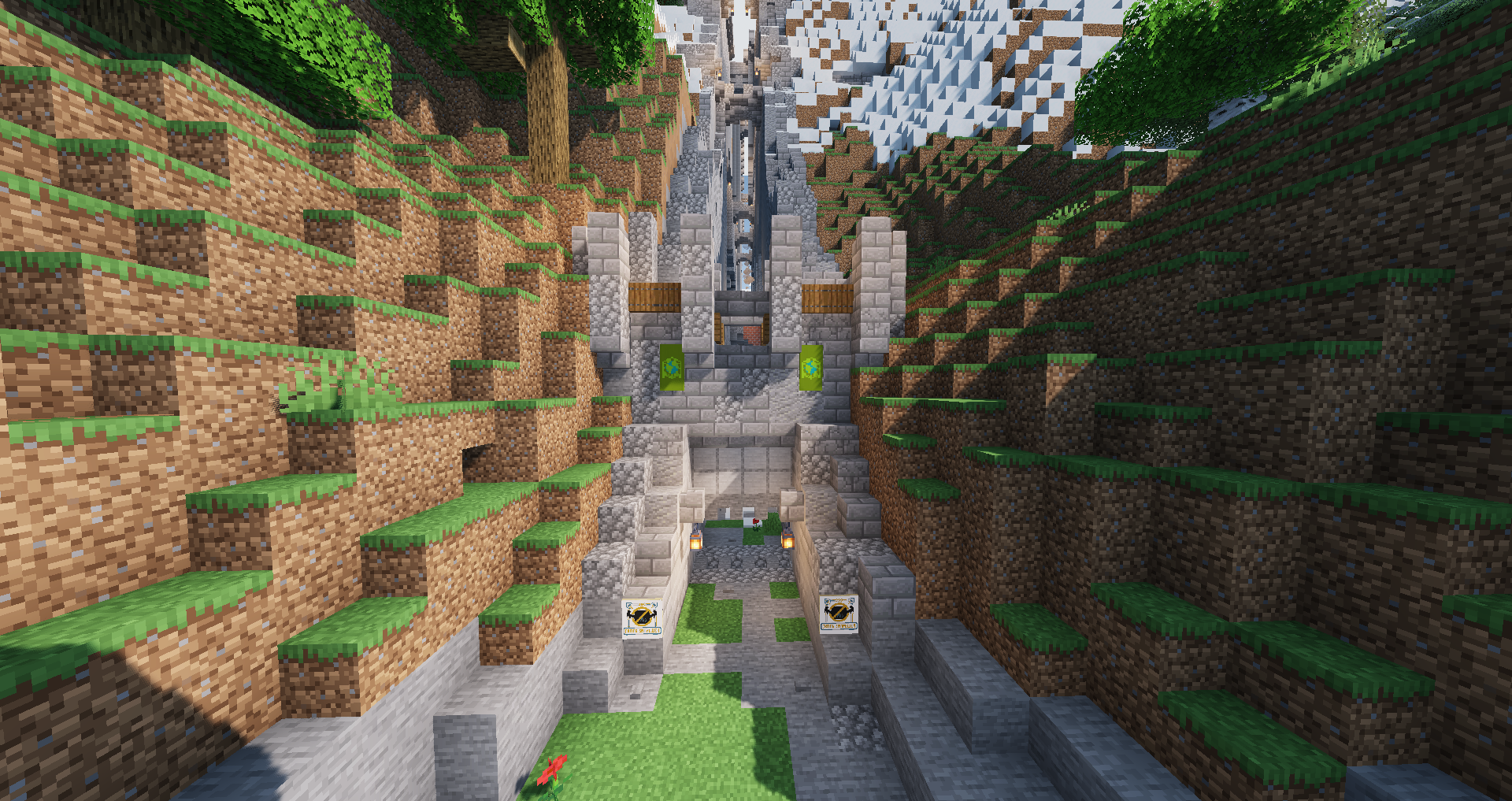
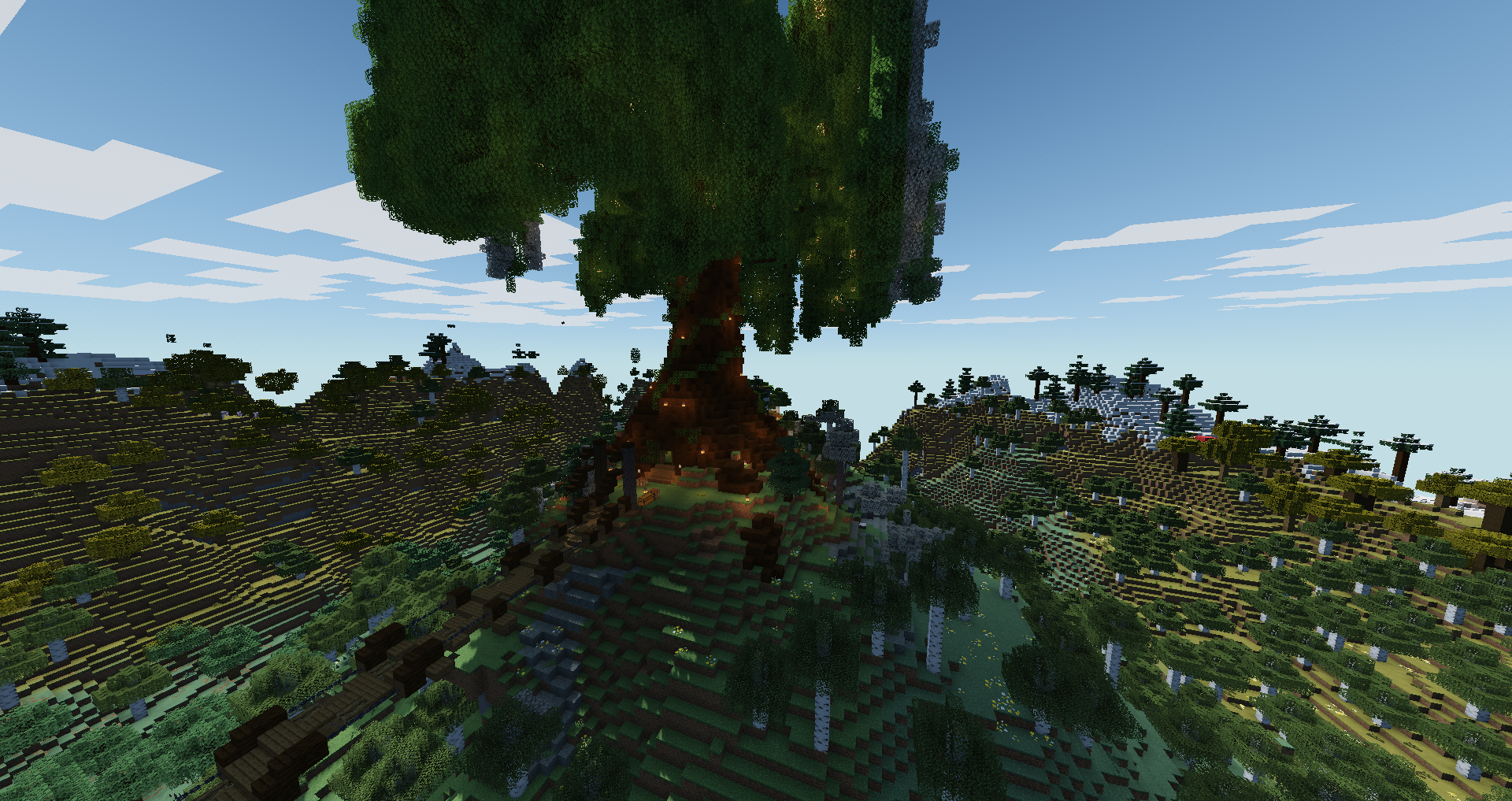
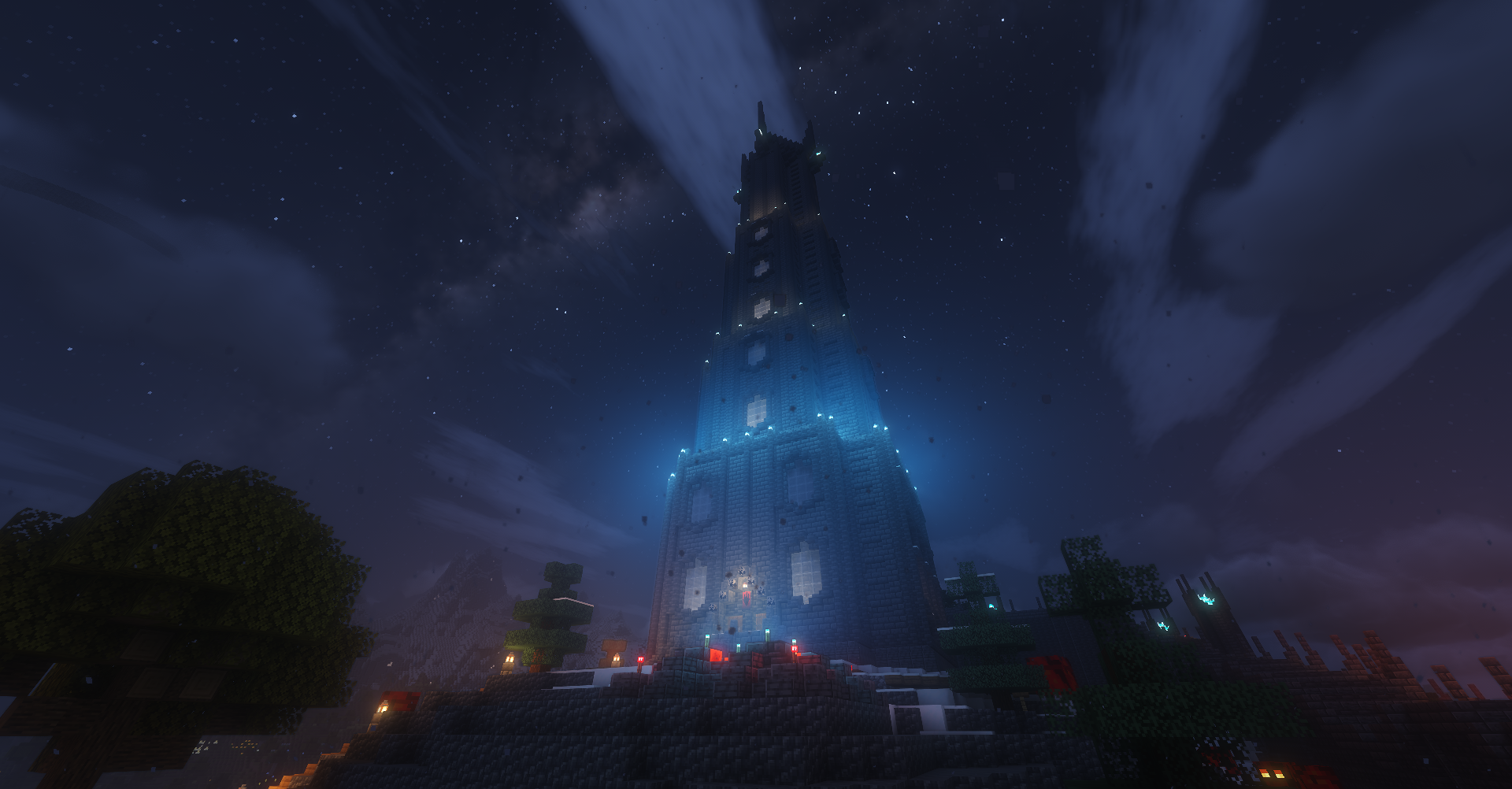
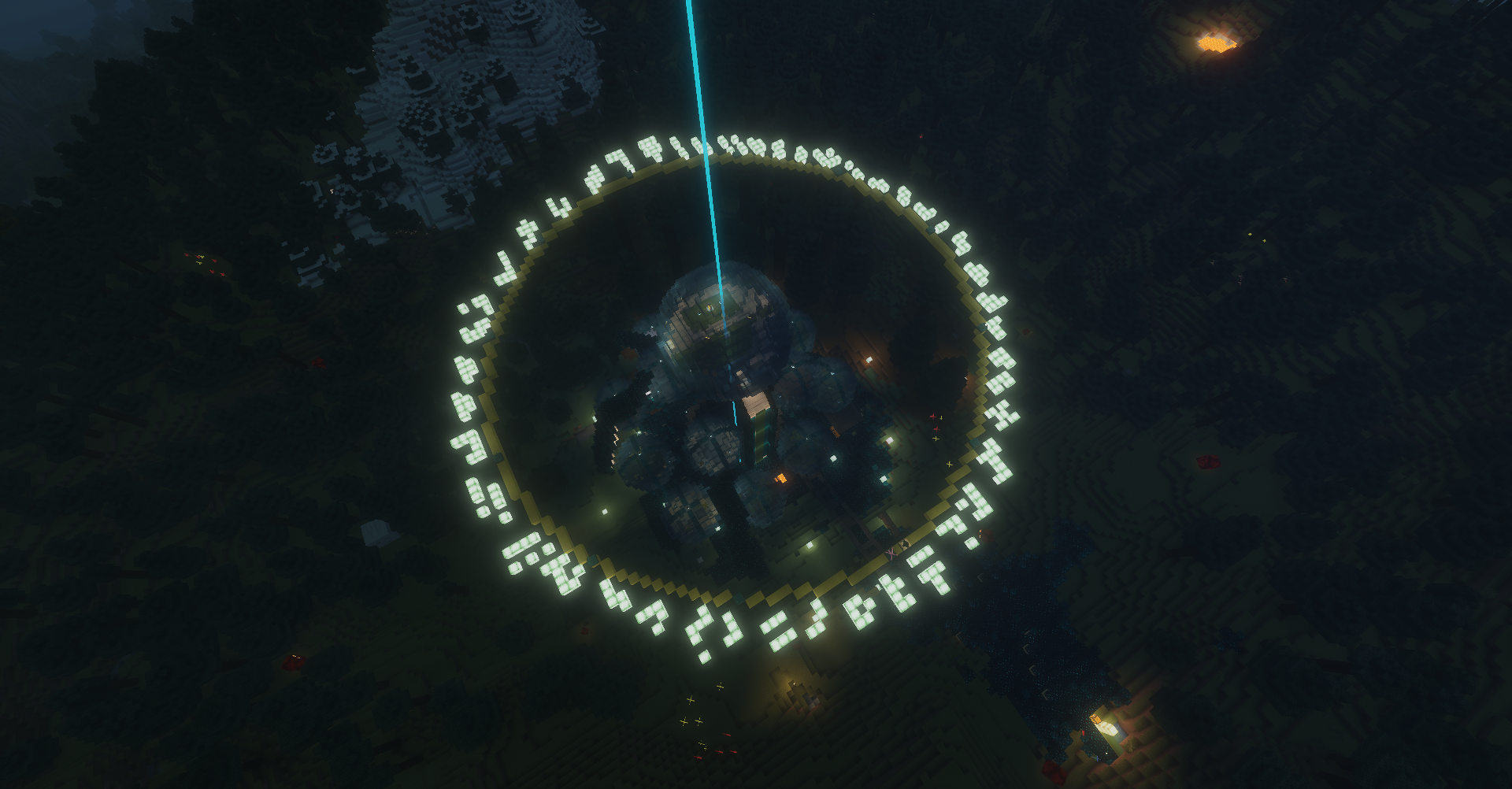
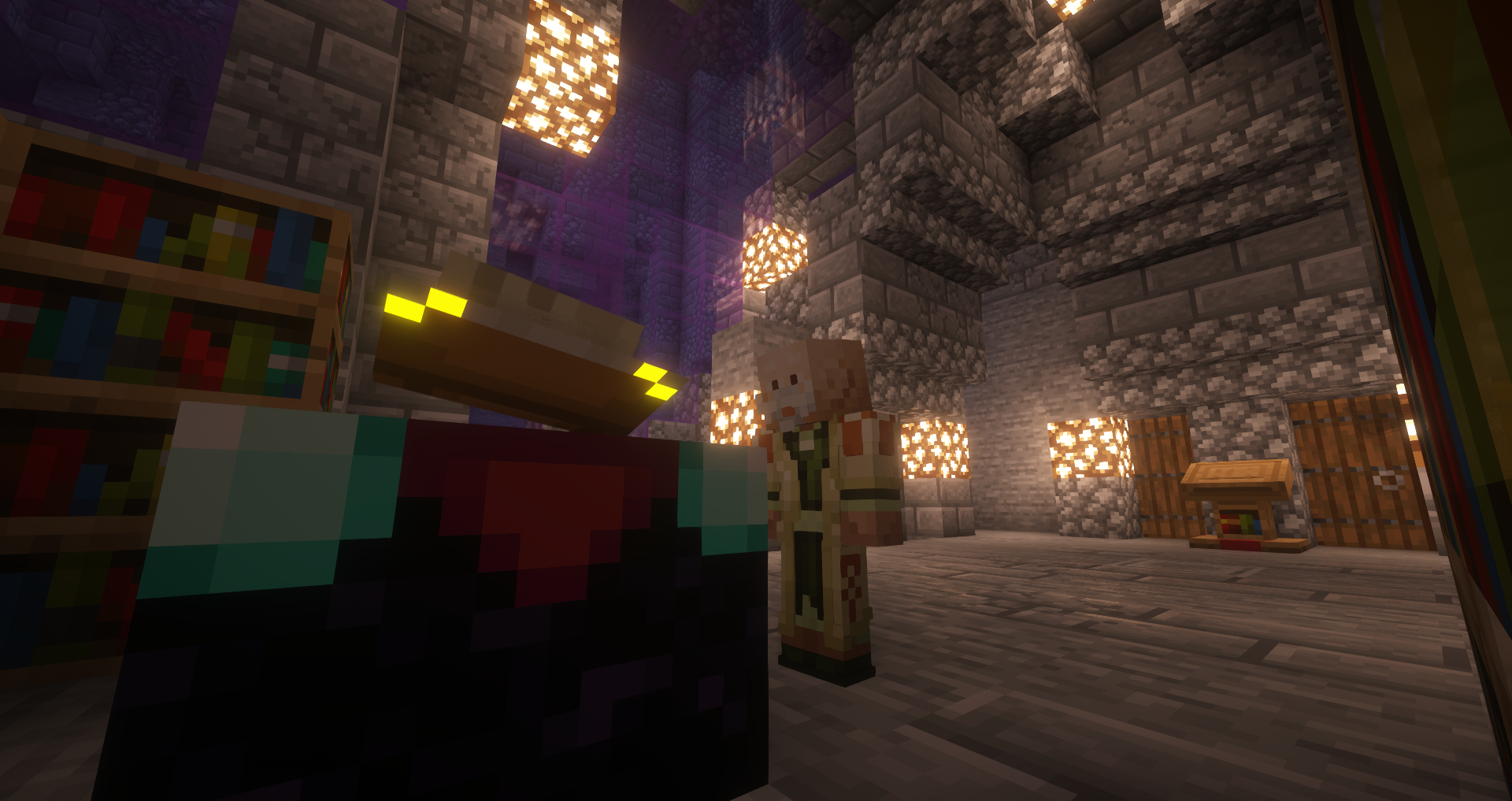
The screenshots below give some context for the kind of world these tools are meant to support. They show the mood, places, and visual language behind the project, so you can see the sort of server work these editors, generators, and guides are trying to make easier.
Frequently asked questions
Do I need mods to use these tools?
No. The whole point of the site is to help creators push vanilla Minecraft further with resource packs, commands, components, and careful structure rather than with a client-side mod requirement.
Who is this site for?
Server admins, datapack tinkerers, RP builders, artists making PNGs for pack workflows, and players who keep running into scattered tutorials and want one place that connects the practical steps.
Is this only for experts?
No. The tools exist to shrink the boring part of the workflow, while the wiki exists to explain the structure underneath. You can start with the generator and learn the file logic as you go.
Why is there so much emphasis on 1.21.4 and components?
Because a lot of old Minecraft advice still points to habits that no longer match the new item system. If we want the site to stay useful, it has to explain the newer logic instead of preserving old confusion.
Are files uploaded to the site?
Normal drawing, texture, and pack-generation workflows are designed to run locally in the browser. That means the practical work usually stays on the user's device instead of being sent to a remote upload pipeline.
How can I support the project?
You can support Cube in Square through Patreon, follow the evolving wiki, and use the tools as they grow. If you need context first, the project page explains what the site is trying to build and why.